Video models
Viggle Remake: recast and re-shoot existing video with open LoRAs
Viggle has released Remake, a pair of LoRAs for MiniMax H3 that recast people, swap objects and change weather or setting in finished footage while keeping the original motion, camera and soundtrack.
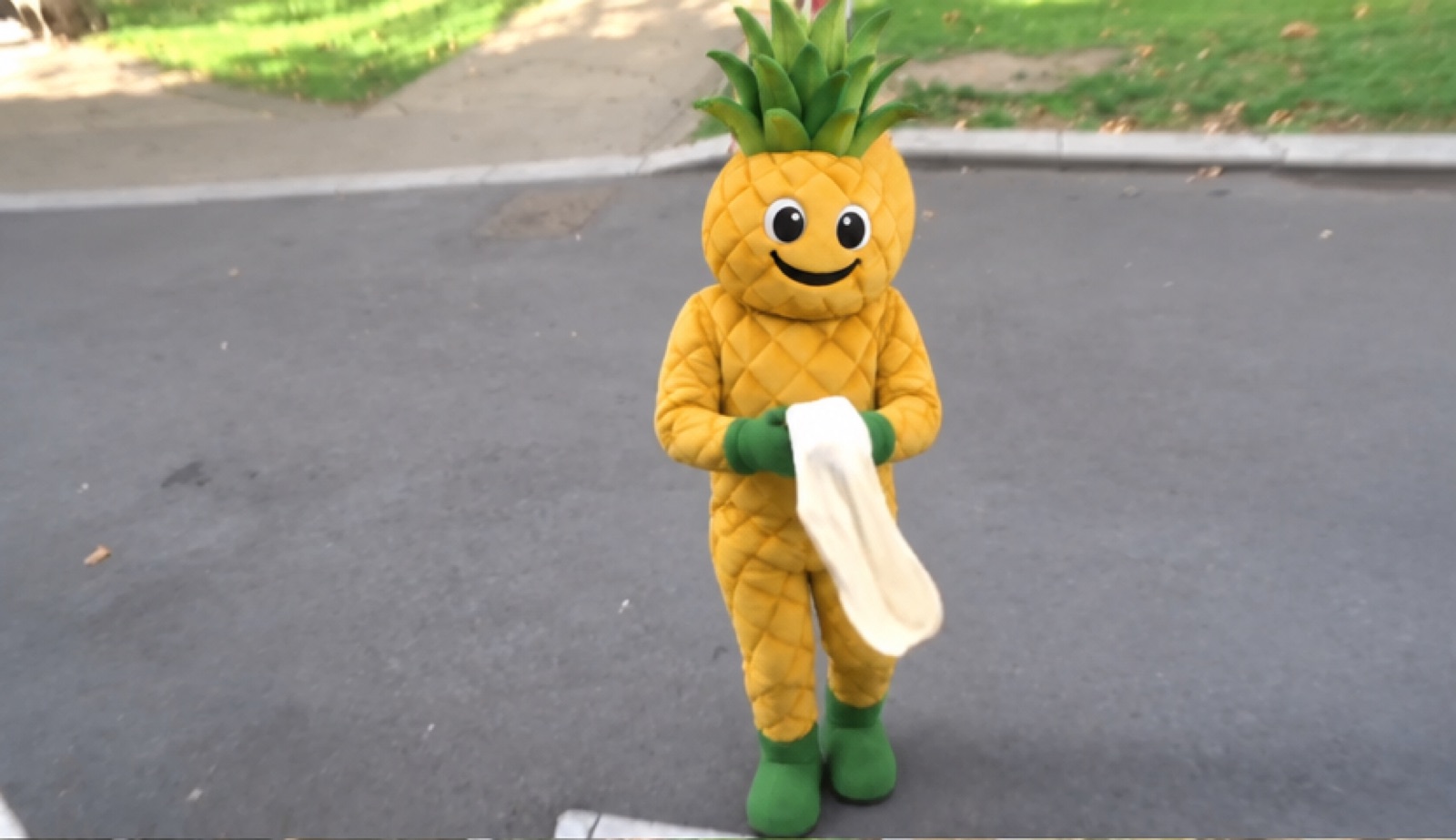
On 4 November, Viggle published Remake, an open set of LoRAs that edit existing video rather than generate a clip from nothing. The idea is to re-shoot footage you already have: change who is in it, what is in it, or where and when it takes place, and keep everything else. Viggle says the original motion, camera, timing and soundtrack survive.
Remake sits on top of MiniMax’s open H3 video model. Viggle describes it as the “Viggle-Animate v2” it had previewed earlier: Animate replaced a character, while Remake can also swap, remove and insert objects and change the setting, weather or light.
What it does
There are two modes, each a rank-256 LoRA on H3’s base transformer:
- swap replaces people and characters, one or several at once.
- edit handles the rest: swapping, removing or inserting objects, and changing background, weather or light.
You steer a render by painting one to four frames in an image editor and writing a prompt in H3’s six-section format. The painted frames decide identity and look; pinned frames also fix the composition at that moment. Viggle’s own demos include a 116-second music video recast across 69 cuts and a single film shot remade 22 ways.
Agent-first workflow
Viggle built Remake to be driven by a coding agent. An MCP server lets an agent such as Claude Code or Codex find the cuts in a film, paint the keyframes, write the prompts, render each window on your GPUs and splice the result back with the original sound. A manual command-line sampler and ComfyUI nodes are included, and the Viggle app runs Remake without any setup.
The numbers
- One render covers about 12 seconds (90 to 345 frames at 24 fps); longer videos are split into windows.
- The sampler needs the 144 GB H3 base and one 80 GB-plus GPU at bf16.
- Smaller rank-128 and rank-64 LoRAs are included, and int8 and GGUF files bring it down to 12 GB cards through ComfyUI.
- Viggle’s example command renders at 480 pixels on the short edge; setting 736 gives 1280×736.
Limits and licence
The sound is carried over, not made: a silent source gives a silent result. Viggle lists known failures, including non-humanoid characters in long single takes, small artefacts in fine detail and timing drift in multi-shot clips rendered without pinned frames.
The weights fall under the MiniMax H3 Community License, with its attribution rules and a written-authorisation requirement above US$20 million in annual revenue; the code is Apache 2.0. The card is blunt about misuse: the model cannot verify identity or consent, so it should only be run on people who have agreed to it, and output should be labelled as AI-generated.
Our take
For people building interactive worlds, this is a tool for the cheap end of production: reshoot a filmed scene for a new character, season or location instead of staging it again. It also shows the pattern we describe in generative interactive film: a base video model becomes a platform, and small LoRAs plus an agent turn it into an editing pipeline. The heavy hardware needs mean most teams will use the app or a hosted route for now.